A Glance at the Best DJ Software
Explore the best free and paid DJ software for mixing and performance. Discover what software DJs use and the operating systems they support for seamless operations.
|
Software |
Free/Paid |
Operating System |
|
Mixxx |
Free |
Windows, Mac, Linux |
|
Serato DJ Lite |
Free |
Windows and Mac |
|
Virtual DJ |
Free |
Windows and Mac |
|
Rekordbox |
Free plan |
Windows, Mac, and mobile (iOS and Android) |
|
Traktor |
Free version |
Windows and Mac |
|
Djay Pro |
Paid |
Windows, Mac, iPhone, iPad, Android, Vision Pro, Meta Quest |
|
Edjing Mix |
Free version |
iOS and Android |
1. Mixxx
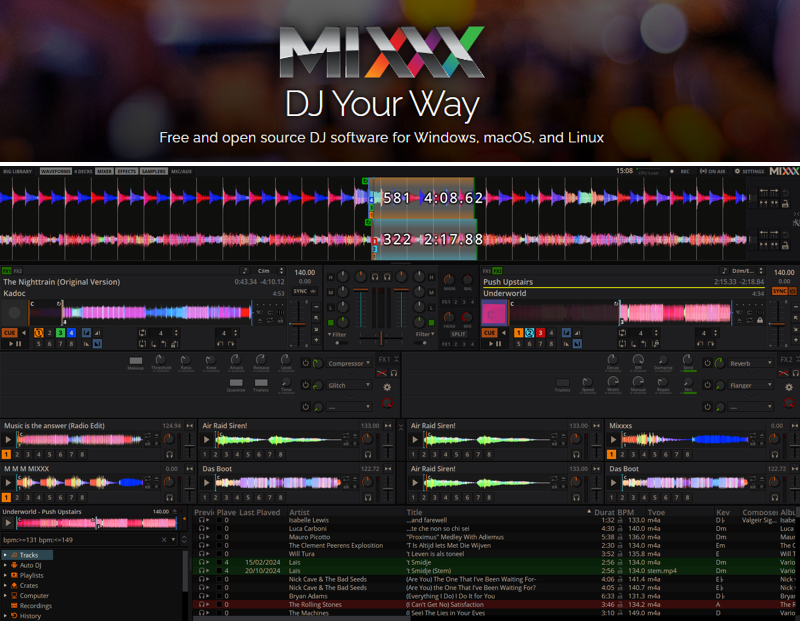
Mixxx stands out as the best DJ software for beginners for free, giving you advanced features and flexibility without any cost. This open-source tool enables you to create the best live DJ mixes with digital music using software and controllers, with support for advanced MIDI mapping. Known as the best DJ mixing software for Mac, PC, and Linux, it delivers flexibility and top-notch performance for DJs at all levels.
Pros:
- Open-source DJ software for novices, compatible with most DJ controllers and devices
- Effortlessly record audio from a computer to save a mix in multiple formats
Cons:
- Modest UI design and graphics may not be fully stable at times.
2. Serato DJ Lite
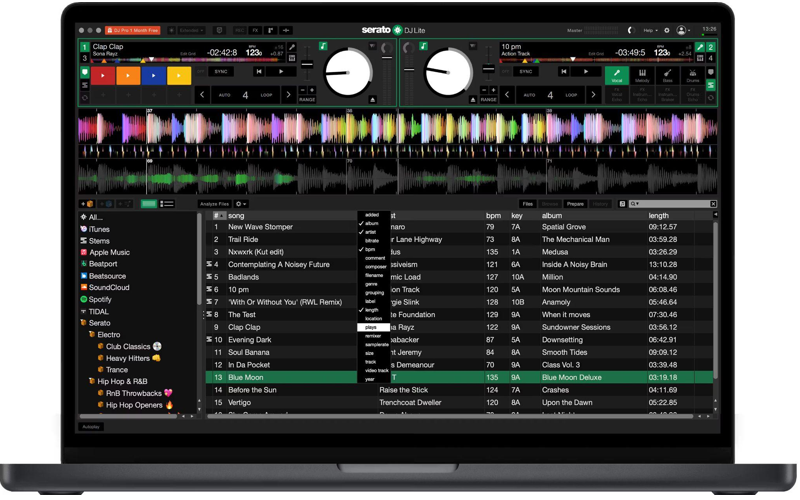
For beginners, Serato DJ Lite is the best free DJ mixing software and music production software, offering an intuitive interface for learning and mixing tracks. Compatible with both PC and Mac, this best DJ software free includes intuitive controls, dependable performance, and Automix for perfect track blending. This software provides a solid starting point for DJs before transitioning to professional-level tools. Discover and play everything from fresh underground beats to iconic classics in Serato DJ Lite.
Pros:
- Easy to learn and the best free DJ software for beginners for Mac and Windows PCs/laptops
- Works seamlessly and flawlessly with over 100 supported DJ controllers
Cons:
- The advanced features are limited, such as restricted effects, fewer hot-cue points, limited loop functionality, and no built-in recording.
3. VirtualDJ
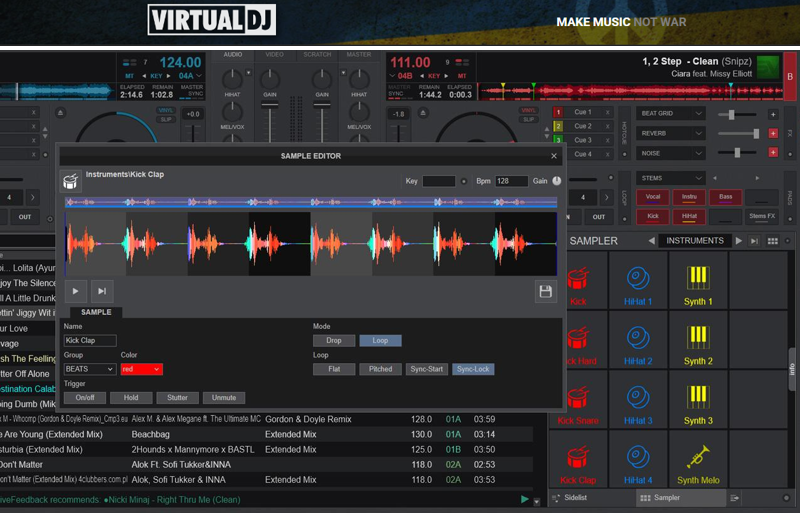
VirtualDJ, the best beginner DJ software without a controller, is ideal for weddings and unforgettable live mixes. If you want versatile software for personal use, VirtualDJ offers features such as real-time stem separation, effects, and Automix. As cross-platform software, the best DJ software for Mac and Windows PC is free, offering high-quality mixes even without external hardware.
Pros:
- An easy-to-use DJ software that works for every type of DJ, with or without hardware
- The best DJ app and music recording software for Mac, PC, and even laptops
Cons:
- Outdated and cluttered user interface with limited advanced features compared to its rivals.
4. Rekordbox
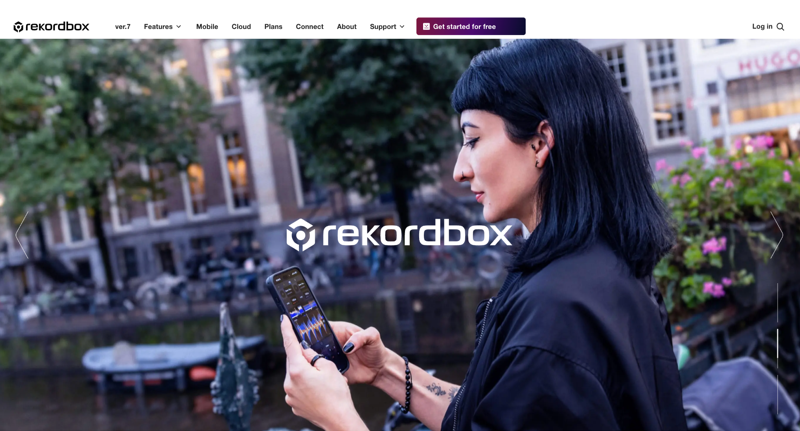
Many DJs ask what software most DJs use. Rekordbox is one of the best professional DJ software programs and now includes support for Spotify. Favored by club and touring DJs around the world, it delivers fast track analysis, cloud syncing, and performance-ready features. As one of the best DJ apps for Android, iOS, and Windows, rekordbox ensures seamless integration with Pioneer gear for smooth, professional mixing anywhere.
Pros:
- With Rekordbox CloudDirectPlay, cloud-stored tracks load directly to compatible devices for effortless mixing
- Includes a modern feature set, with streaming services built in, video playback, basic lighting control, and good cloud library features
Cons:
- Poor real-time stems control and advanced features require an upgrade to a subscription.
5. Traktor

Trusted by DJs of all levels, Traktor is one of the most popular and top DJ software options available. It combines intuitive controls, advanced mixing tools, and effortless integration with DJ equipment. Traktor offers a free DJ 2 version for newcomers to mixing and is widely regarded as the best DJ mixer app for Windows PCs and Macs. Bring every track to life with professional-grade effects and complete customization.
Pros:
- Emerges as the best software to make DJ mixes without gear, but with an easy-to-use interface
- Delivers stable performance with robust mixing and effects tools ideal for professional DJs
Cons:
- Steeper learning curve compared to some beginner-friendly DJ software
6. djay Pro
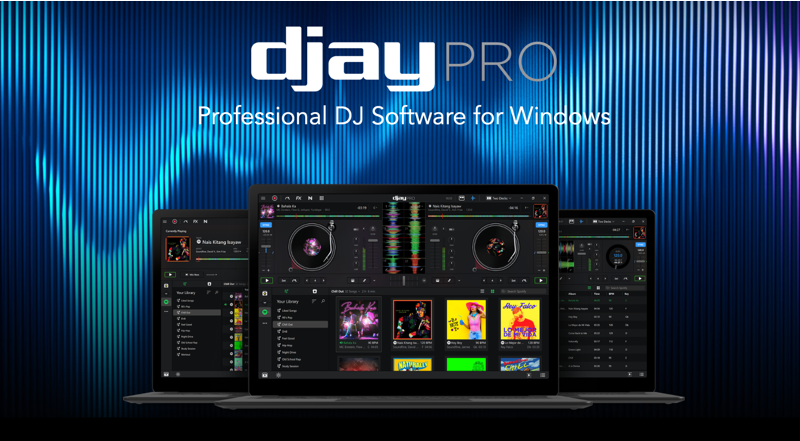
djay Pro is often regarded as one of the best DJ software programs in the world, known for its sleek design and seamless Apple ecosystem integration. Whether you’re a beginner or a seasoned DJ, djay Pro gives you everything you need to mix, perform, and build DJ sets with endless creativity.
It is the best software for DJ mixing on Mac/MacBook, iOS, and iPad, allowing you to access your favorite songs from Spotify, Apple Music, TIDAL, SoundCloud, Beatport, and Beatsource. You can even browse your own local library, if needed.
Pros:
- The best AI DJ mixing software that offers streaming, downloads, or personal playlists
- Combines a contemporary interface with flexible features and a comprehensive music library
Cons:
- Lacks advanced features such as custom crate columns and slip mode, and has issues with its database and song analysis
7. Edjing Mix
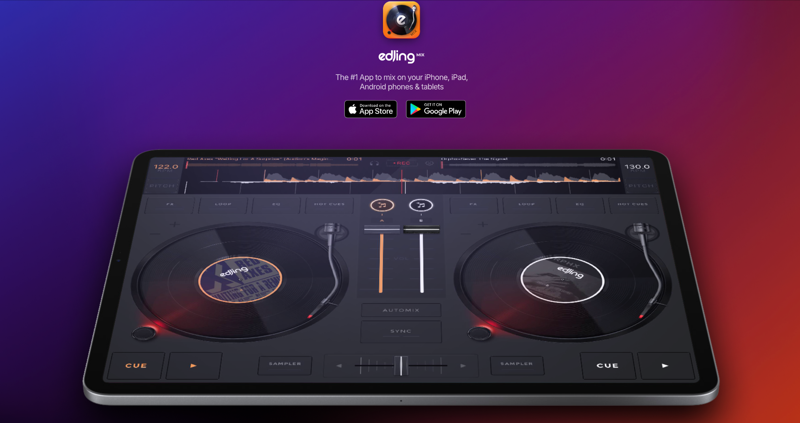
For DJs on the go, Edjing Mix is the best digital DJ software for Android, iPhone, and iPad. Designed with an intuitive layout, live effects, and seamless streaming integration, it ensures a smooth and efficient creative workflow. Designed for DJs on the move, Edjing Mix is the best DJ mixer software to use for Android, iPhone, and iPad.
Pros:
- The app packs many essential DJ tools into a single, intuitive interface
- Converts your mobile device into a complete DJ workstation, giving DJs freedom to mix on the move
Cons:
- The free version is ad-heavy, and many advanced features (like pre-cueing, full FX library, and certain samples) are locked behind a premium subscription.
Bonus: Best Software for Audio Recording & Editing
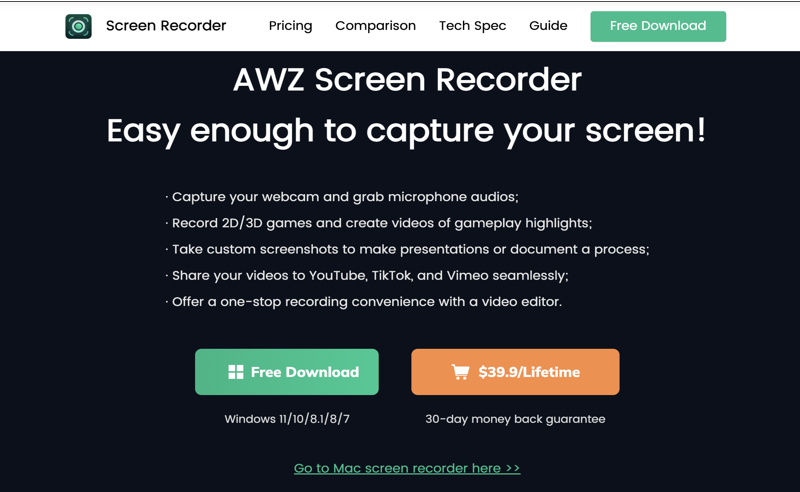
We have introduced the 7 best Mac, laptop, iPad, Windows, or Android DJ software options above. Now, if you wish to record and edit your music or DJ mixes, AWZ Screen Recorder is a great choice due to its seamless performance.
AWZ Screen Recorder emerges as the best music, camera, screen and game recording software. It lets you capture and edit high-quality audio, DJ mixes, and system sounds effortlessly. Whether recording live sessions, streaming, or mixing tracks, it enables you to capture music, voice, and computer audio seamlessly with customizable settings. The mentioned best free computer DJ mixing software is perfect for content creators, DJs, and music enthusiasts seeking precision and flexibility.
Other Features of AWZ Screen Recorder
- Offers a one-stop recording convenience with a video editor
- Provides a variety of recording modes to capture on-screen activities
- Enables recording through various modes: full-screen, custom, and auto region selection
- Let's you schedule recordings to begin exactly when needed
- Captures webcam and microphone audio simultaneously
Conclusion
If you are confused about which DJ software is best to use, ask yourself the question of what kind of DJ music you need to make. Also, consider your budget, how you would like to work, and any additional features you may need. It may be wise to choose apps that are well-known and widely used by many users, and are easy to start, or those with numerous tutorials to help with learning.
Charlotte