If you’ve ever tried to capture your clutch plays in Valorant, you already know how frustrating lag can be. The video may feel smooth during gameplay, but the recording turns out choppy, pixelated, and missing the exact moment that made the clip worth sharing.
You're not alone in this frustration. Game development and e-sports content creation are progressing faster than ever, yet getting high-quality footage still feels like a constant struggle. In 2025, there are over 640 million esports viewers worldwide, and about 70% watch on 4K-capable screens. Audiences now expect videos that look crisp, clean, and professional, even from smaller creators.
That’s why more creators are switching to lag-free online 4K recorders, tools that capture matches directly from the browser without downloads or performance issues. They’re lighter, faster, and built for creators who want professional-looking footage without relying on high-end hardware.
How Online 4K Recorders Work
Games like Valorant, Apex Legends, and League of Legends run at high frame rates with complex visuals, so capturing them demands serious processing power. When your PC handles both gameplay and recording, it has to render frames, manage input, and encode video data all at once. This setup is similar to how game development programs online handle multiple rendering tasks simultaneously. That’s why frame drops, lag, or audio desync often appear just when the action peaks.
Online 4K recorders were built to handle this load differently. Instead of relying entirely on your computer’s CPU and GPU, they use browser-based acceleration and cloud processing to reduce strain. This means smoother recording, faster rendering, and no need for heavy desktop software. With just a few clicks, you can record gameplay directly from your browser. No installs, no complicated setup, and no performance drag.
4K Vs. 1080p Recordings
Capturing gameplay in 4K adds another layer of demand and detail. Compared to 1080p, 4K offers four times the pixel detail. That’s around 8.3 million pixels per frame. The difference is immediately noticeable: weapon skins, map textures, and small UI details stay razor-sharp even in fast motion.
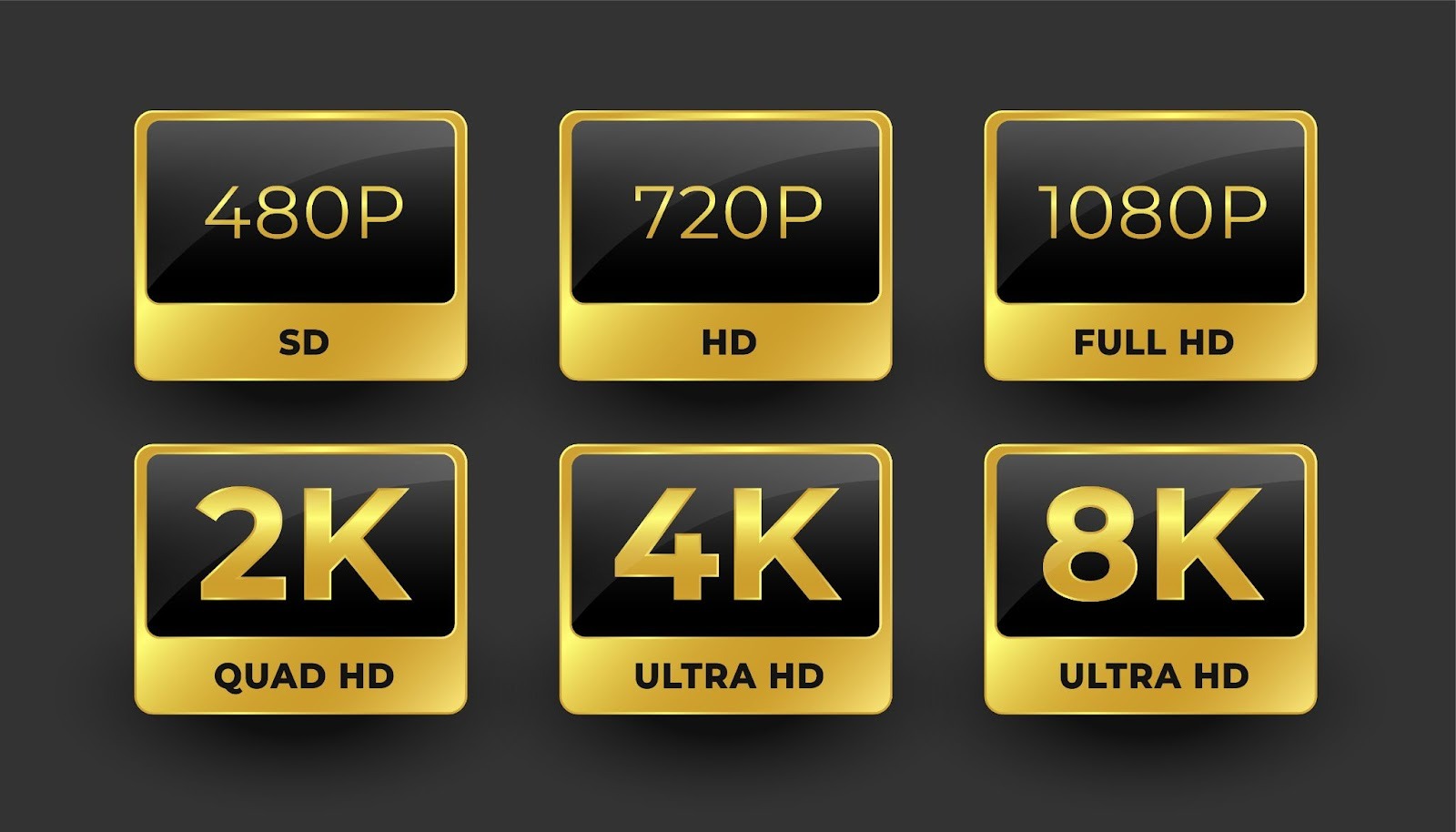
However, higher resolution also means bigger files. A one-minute 4K recording at 60 FPS can take up three to four times more storage than a 1080p clip.
Online recorders manage this efficiently by using advanced compression formats like H.265 (HEVC). This maintains clarity while keeping file sizes manageable for uploads and sharing.
What features should I look for in an online 4K game recorder?
A good recorder doesn’t just capture crisp visuals. It keeps your gameplay smooth, your files manageable, and your workflow efficient. Here are the key features to look for:
- High Frame Rate Support
Look for recorders that support at least 60 frames per second to avoid motion blur or input lag in replays. Some advanced tools even allow 120 FPS capture, ideal for professional highlight reels or slow-motion edits. - Hardware or Cloud Acceleration
To prevent lag, the recorder should use GPU-based encoding (like NVIDIA NVENC or AMD VCE) or cloud acceleration. This offloads encoding tasks from your CPU, reducing strain and keeping your gameplay performance stable even while recording.
In Parsec’s analysis of over 250,000 Co-Play sessions, they found that NVENC had a median encoding latency of 5.8 ms. In comparison, AMD VCE averaged 15.06 ms, making NVENC roughly 2.6 times faster.
- Efficient Compression
A one-minute 4K clip can easily exceed 500 MB, but efficient codecs like H.265 (HEVC) cut that by almost half while preserving quality. This is crucial for creators who upload frequently or edit multiple clips per session. - Audio Sync and Multi-Track Recording
Esports videos rely heavily on commentary and in-game sound effects. Choose a recorder that allows separate audio tracks for system sound and microphone input. This makes syncing and balancing audio during editing much easier. - Instant Browser Recording & Cloud Storage
Since online recorders run in browsers, they should offer one-click recording with optional cloud saves. This helps avoid massive local file storage and allows easy access from different devices. - Customizable Capture Area and Overlay Options
The best tools let you select specific windows or add overlays (like webcam feeds, face cams, or live stats). These are staples for streamers and YouTubers who want polished, branded content. - Editing and Export Features
Integrated trimming or clipping tools save time. Some platforms even offer video overlay editing, letting you add graphics, commentary, or effects directly to your esports recordings. It’s also ideal if you can make quick exports in multiple formats (MP4, MOV, MKV) and direct uploads to YouTube, Twitch, or Discord. - Low-Latency Recording Mode
Even a 100-200 ms delay can disrupt timing during competitive matches. Low latency keeps gameplay and recording perfectly in sync. Look for recorders that use WebRTC streaming or hardware-accelerated encoding like NVENC, VCE, or Quick Sync. Those with latency listed below 50 ms in their specs usually deliver true real-time capture.
What are the best online screengame recorders that support 4K recording?
When choosing an online recorder that supports 4K, you want tools that balance performance, ease, and features. Below are several contenders worth considering, along with their strengths and trade-offs.
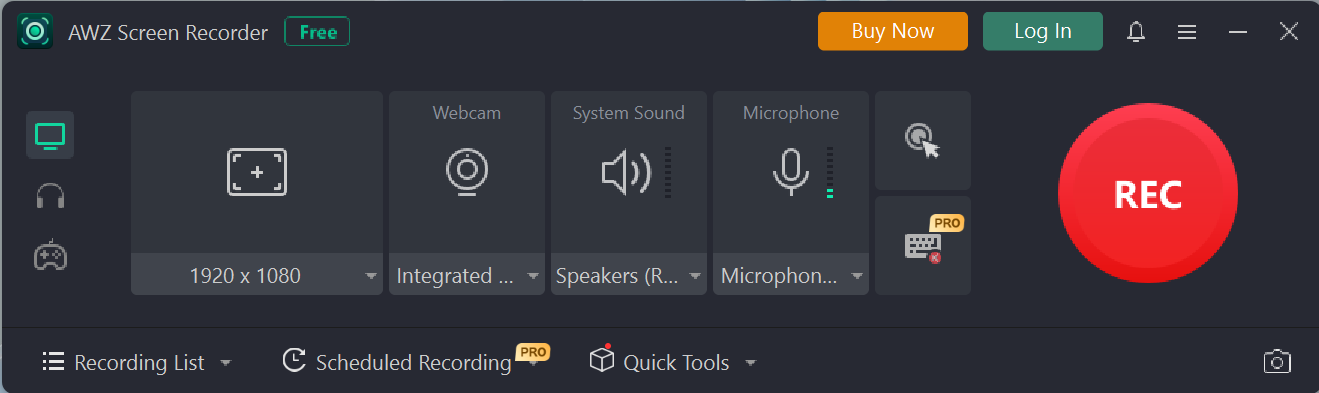
AWZ Screen Recorder
Key Features
- Designed for browser-based or online capture workflows.
- Often highlighted in AWZware’s content catalog, so good synergy with your brand.
- Focuses on simplicity: minimal setup, instant start/stop recording.
- Supports 4K capture (depending on plan) and builds in optimized compression.
- Best option if you want tight integration with the AWZ tool ecosystem and brand consistency.
- Low-latency recording mode ensures real-time responsiveness during competitive gameplay.
- Multi-audio track support allows separate capture of game audio, voice chat, and microphone. It also gives creators the flexibility to adjust OBS settings for recording.
- Quick editing tools let you trim, clip, or add overlays without leaving the platform.
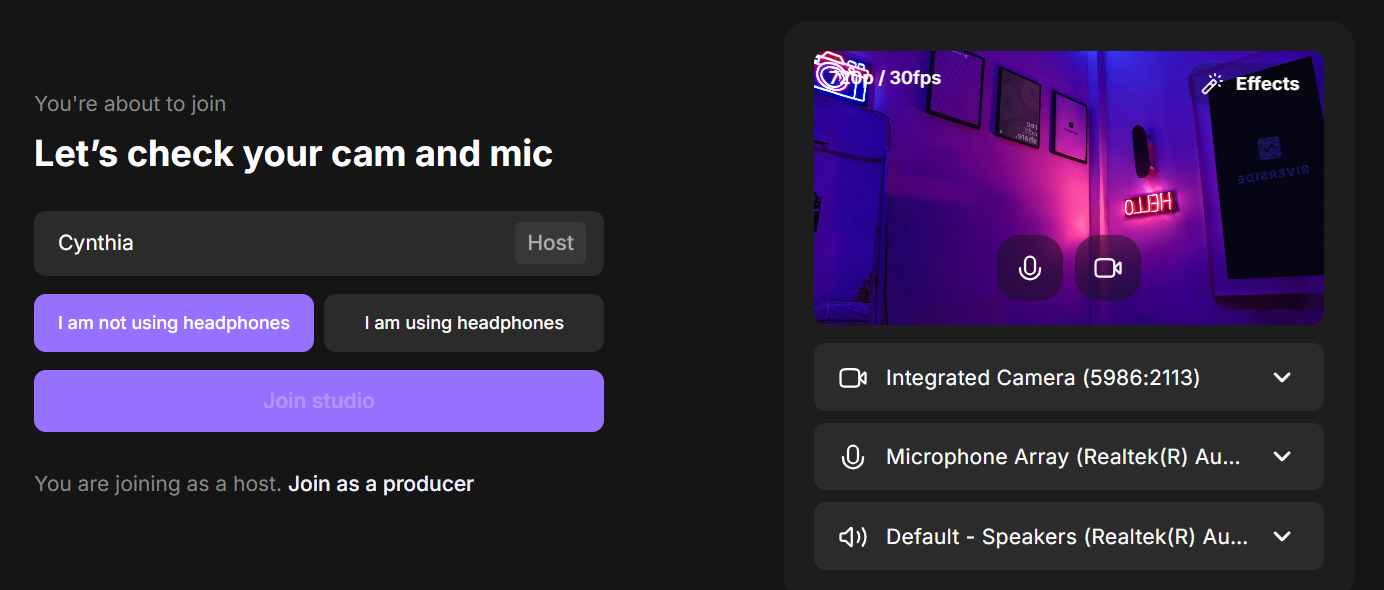
Riverside
Key Features
- Allows video + screen capture in up to 4K resolution with high-quality audio (48 kHz) and minimal compression.
- Supports separate tracks for each participant (video, audio, screen), making it easier to edit commentary without messing with game audio.
- Offers cloud upload during recording so files are backed up as you go.
- Strong choice if you sometimes include guests (e.g., co-commentators, interviews) or want branded, polished final edits.
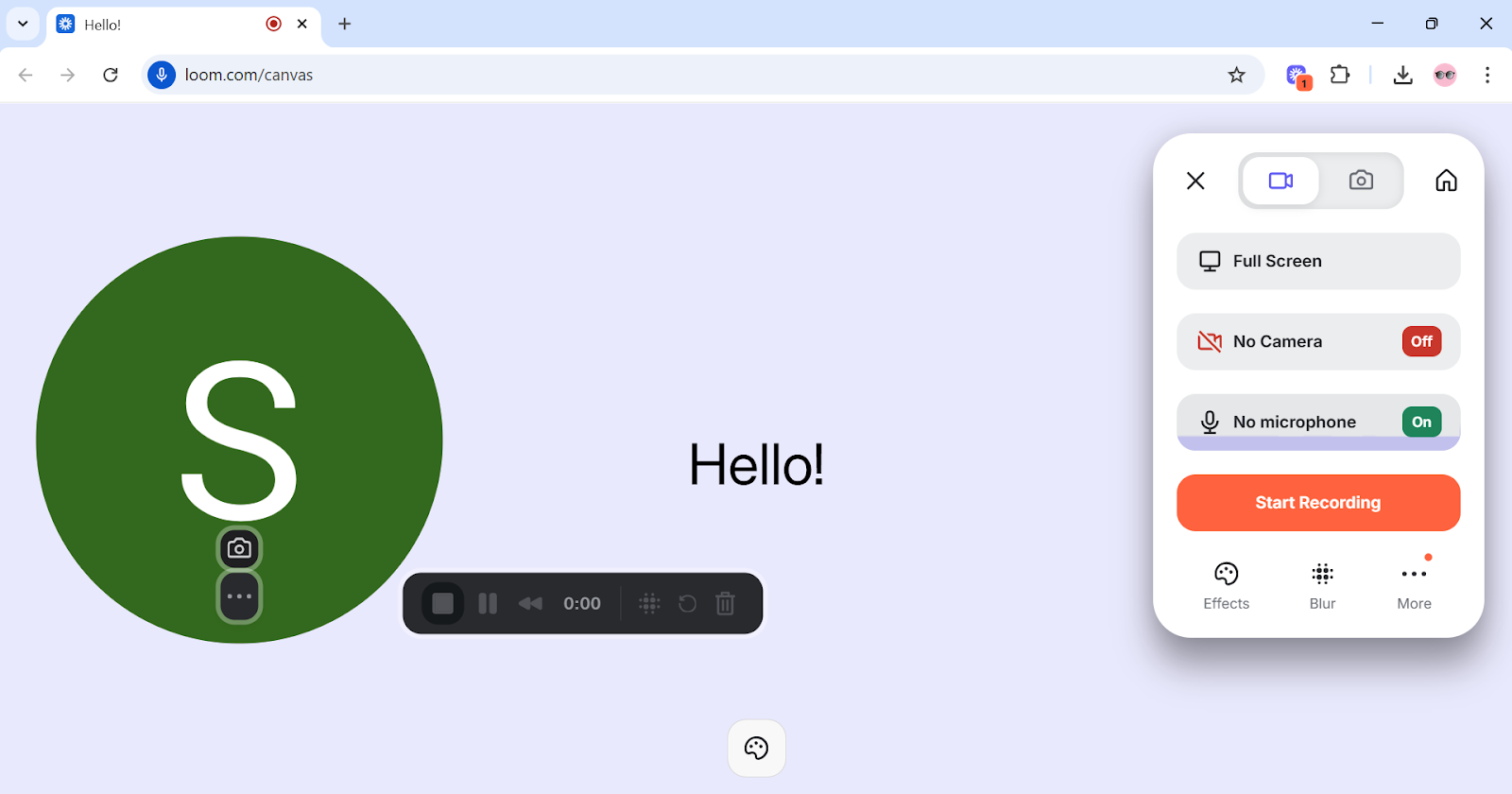
Loom
Key Features
- Supports screen recording in 4K resolution, along with webcam capture and system/mic audio.
- Very intuitive interface; good for quick clips, tutorials, or commentary + gameplay snapshots.
- Adds efficiency features like AI-generated titles, chapters, and sharing tools.
Best suited when you need a simple, fast turnaround rather than highly technical control.
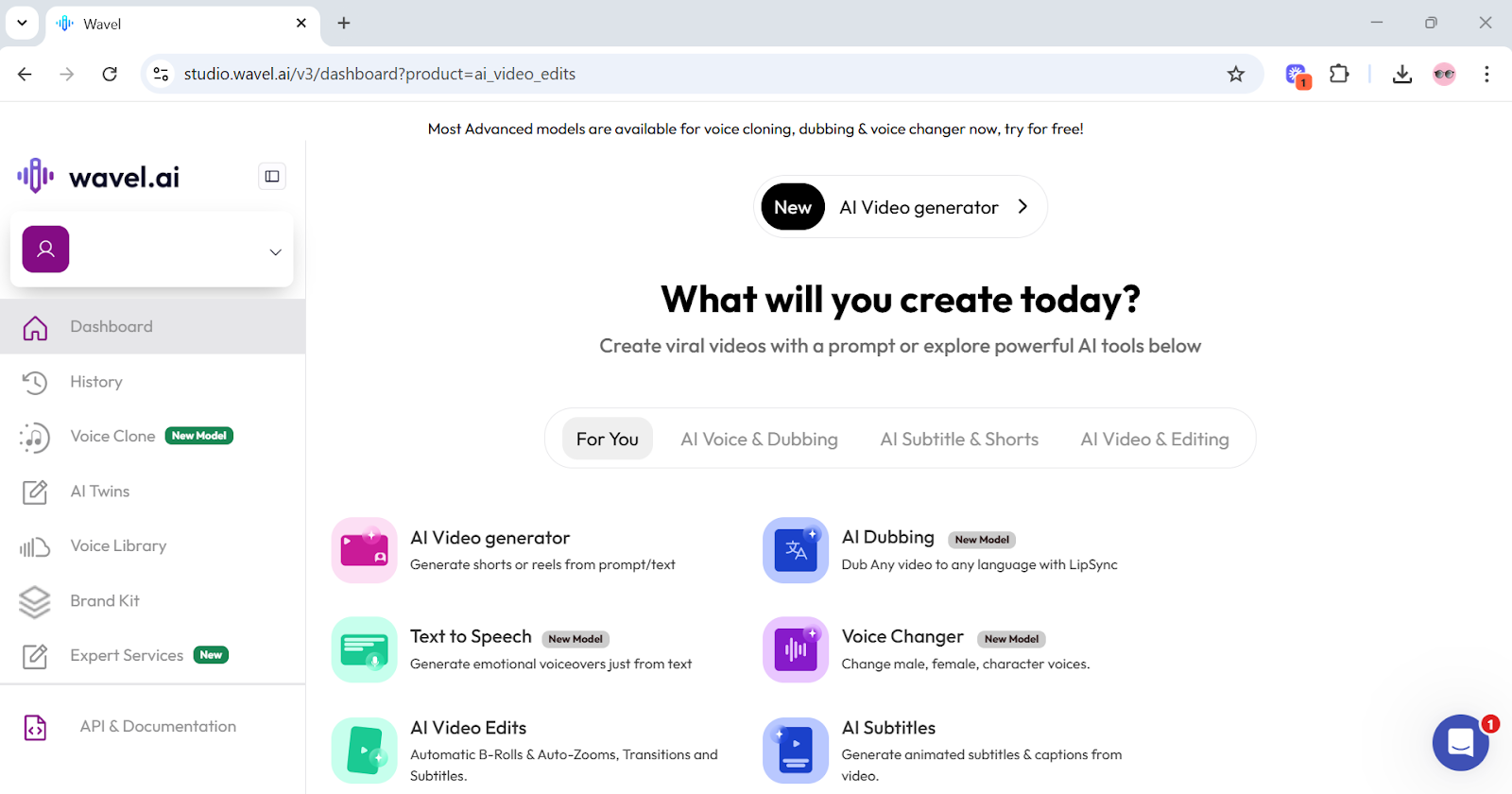
Wavel AI 4K Screen Recorder
Key Features
- Built for content creators who want more than just recording: includes features like subtitles, branding (intros/outros), AI avatars, and voiceovers.
- Allows you to record in ultra-clear 4K, with tools to polish content directly in the browser/dashboard.
- Good option if part of your workflow involves marketing, product demos, or polished training content.
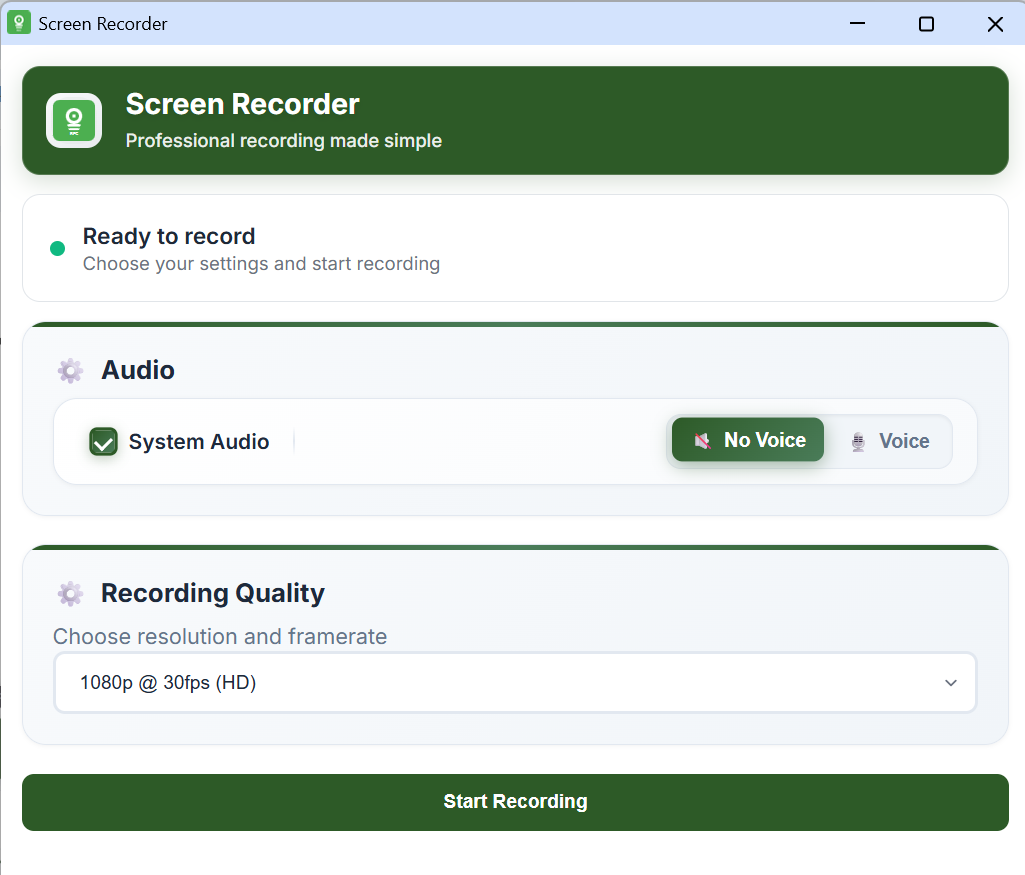
Screen Recorder 4K
Key Features
- Chrome extension that lets you record screen, tab, or window at up to 4K resolution, with both system and mic audio.
- No watermark, no login required; recordings saved locally in formats like WebM.
- Very lightweight and minimal; great for quick captures or content where you don’t need heavy editing or guest tracks.
Best Practices for Lag-Free Esports Recording and Streaming
Recording esports isn’t like casual gameplay capture. You’re not just preserving highlights; you’re creating content your audience will judge for every frame and reaction. If you’ve followed video and media tips from experienced creators, you’ll know that smooth, lag-free performance matters just as much as visual quality.
To keep both performance and quality sharp, here’s what seasoned creators actually do:
Record Separate Audio Tracks
Capture game audio, comms, and mic on different tracks. It makes editing cleaner and prevents background chatter from ruining a perfect clutch moment.
Optimize In-Game Graphics Before Recording
Lower shadows or post-processing effects slightly to free up GPU headroom for 4K encoding. Pro streamers often lock settings to competitive mode for consistent frame pacing.
Use Hardware Encoding Wisely
Enable NVENC (NVIDIA) or Quick Sync (Intel) to let the GPU handle encoding. This keeps your CPU focused on game logic and minimizes lag during intense team fights.
In tests with the RTX 4080, using NVENC for streaming usually caused just a 3-5% FPS drop, while CPU encoding (x2640) produced 30–35% drops in more demanding titles. These results highlight why pro streamers rely on NVENC to keep gameplay smooth while recording or streaming.
Limit Frame Rate to Match Recording Output
Set your game and recording FPS to the same cap (usually 60). It prevents micro stutters that viewers notice more than minor resolution drops.
Record to a Dedicated SSD or NVMe Drive
Writing 4K footage straight to an SSD helps avoid data bottlenecks. It also prevents corrupted clips, which often happen when creators record to full or external drives.
Record Lag-Free Esports Content Like a Pro
Esports content deserves to look as sharp and dynamic as the gameplay itself. With the rise of online 4K recorders, creators no longer need high-end rigs or complex setups to produce professional-level videos. Mastering the right tools and recording practices ensures every clutch play, highlight, and reaction is captured in full clarity.
Try AWZ Screen Recorder or any of the featured tools to create seamless, high-quality esports recordings that showcase your skills at their best.
Charlotte