The newly updated AWZ Screen Recorder stands out as one of the most complete, user-friendly, and affordable digital content creation tools — a solution designed to give you professional results without the steep learning curve or heavy subscription fees. As explored in the latest AWZ Screen Recorder review by Research.com, this software delivers high-quality recording, built-in editing, and advanced audio and webcam integration — all in a lightweight package suitable for both Windows and macOS users.
Key Features
Free recording without limits
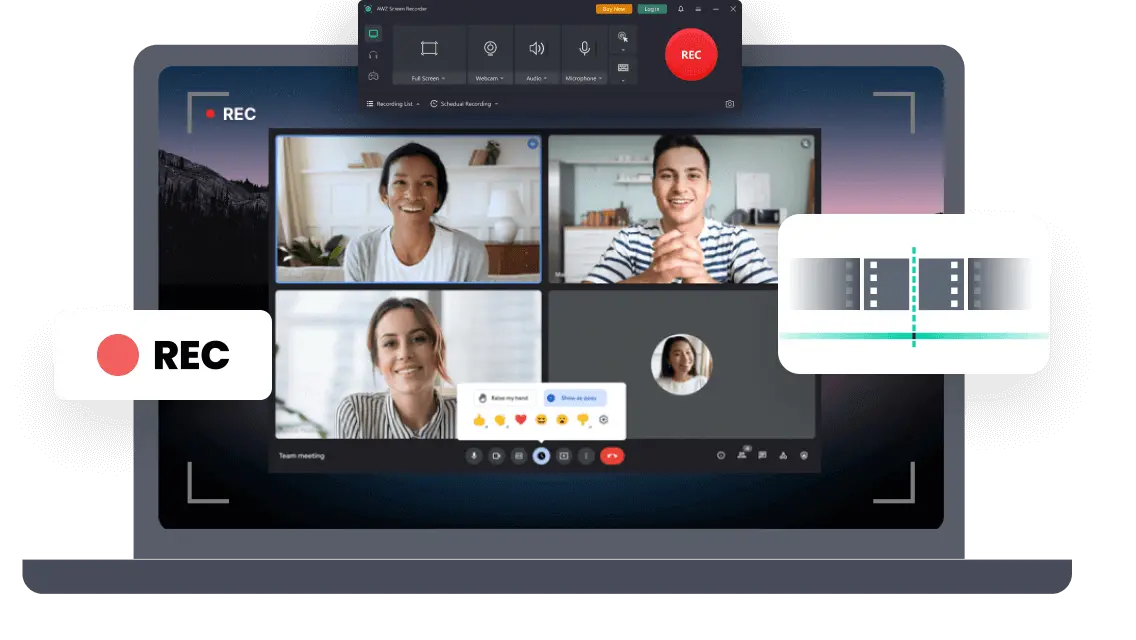
Unlike many screen recorders that come with watermarks or recording time limits in their free versions, AWZ Screen Recorder breaks the mold by offering full-featured screen recording at no cost. Users can record the entire screen, a selected region, or even multiple monitors simultaneously — all while capturing system audio, microphone input, and webcam video.
4K capture and performance
For gamers, educators, or professionals who rely on smooth video playback, it supports 4K ultra-high-definition capture with stable frame rates, ensuring that even the most action-packed gameplay or dynamic presentation looks crisp and seamless. The software’s ability to record game highlights in 4K resolution without lag alone makes it a strong contender in the increasingly competitive screen recording market.
Multiple recording modes & automation
What makes AWZ Screen Recorder even more appealing is its flexibility. You can choose among multiple recording modes — from full-screen and custom area capture to specialized game and streaming modes. The intelligent auto-region selector helps users zero in on exactly what they want to record, making it ideal for quickly starting sessions without the hassle of manual cropping.
It also offers scheduled recordings, allowing you to automate your captures — perfect for recording webinars or live streams while you’re away. Paired with its built-in noise reduction for cleaner audio and annotation tools for on-screen highlights, this software turns the tedious task of recording into a streamlined creative experience.
Built-in Editing & Post-Production
Integrated video editor
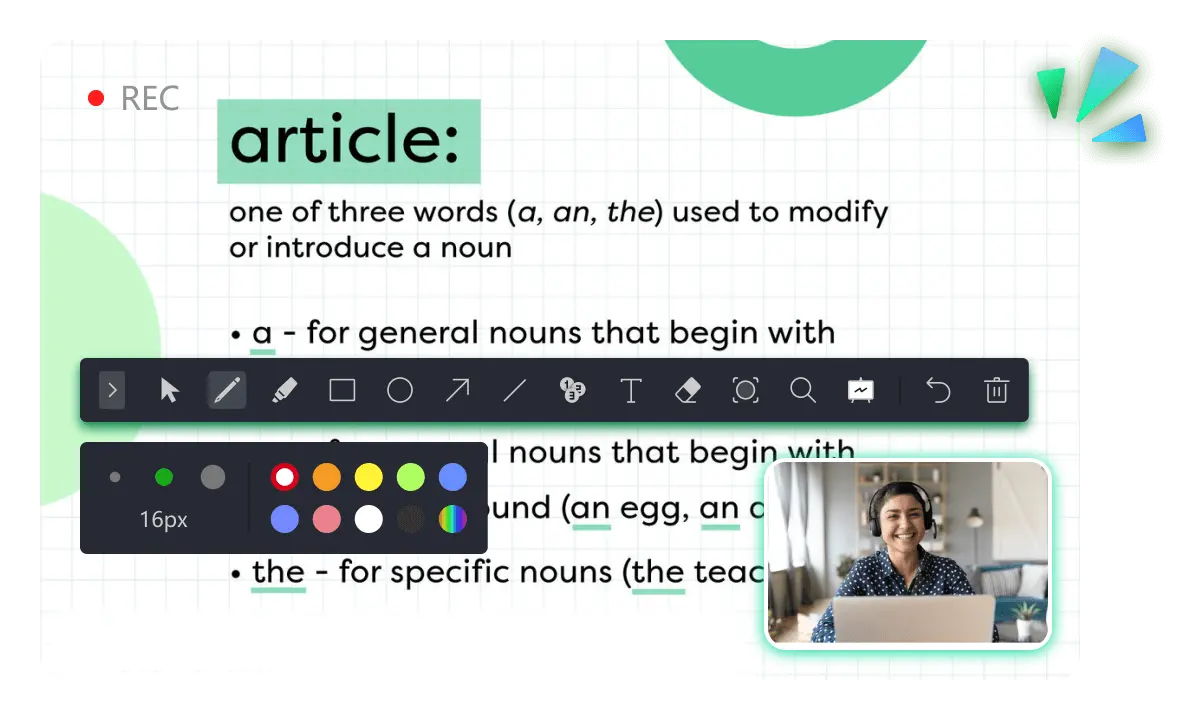
Post-recording, users can immediately trim, cut, and annotate videos using the integrated video editor. These simple yet effective tools enable quick enhancements, such as adding arrows, text, or highlights, ensuring that you can refine your content without needing to switch to another editing application.
Limitations compared to pro suites
While the AWZ Screen Recorder review notes that it doesn’t provide full-fledged post-production capabilities like professional editing suites, its built-in features cover the essentials most creators need — especially for tutorial, gameplay, or presentation videos. Export options are also generous, supporting popular formats like MP4, WMV, and MOV, with direct sharing options to YouTube, TikTok, and Vimeo.
Pricing & Versions
Lifetime license vs free version
One of AWZ Screen Recorder’s strongest points is its value for money. Instead of costly subscriptions, users can opt for a lifetime license priced at just $39.90, which unlocks premium features such as watermark-free exports, background blurring, green screen support, scheduled recording, and video compression.
Even more impressive is that the free version already includes unrestricted recording and multi-screen capture with no watermark — something rare in today’s freemium software landscape. According to the AWZ Screen Recorder review, this pricing model makes the software one of the most cost-effective tools for content creators, educators, and business users alike.
Who It's For — Use Cases
Professionals & educators
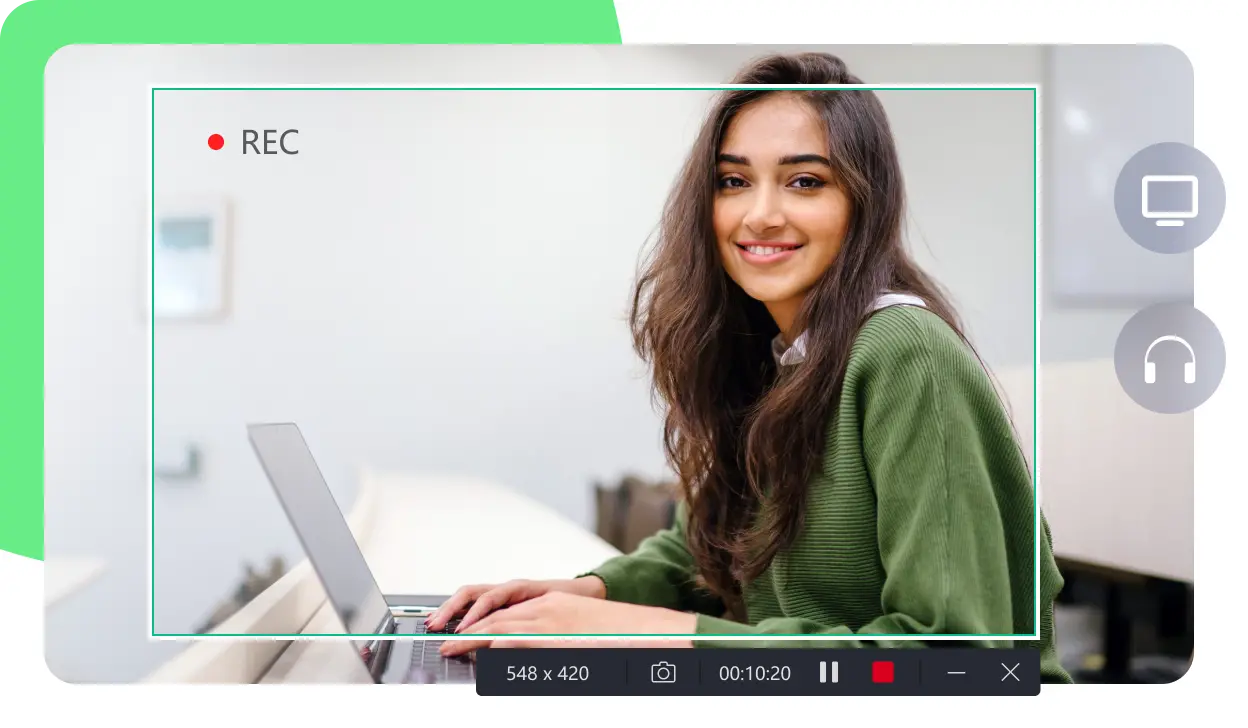
For professionals, AWZ Screen Recorder also brings reliability and productivity features to the forefront. Educators can easily record lectures and webinars; marketing teams can create demo videos, tutorials, or social media content; and remote teams can capture meetings or walkthroughs for future reference. The ability to capture webcam, microphone, and screen simultaneously makes it especially suitable for creating personalized presentations or training materials. With these features, AWZ Screen Recorder can be considered one of the Research.com screen recording solutions for PC.
Gamers
Gamers will also find this software a worthy companion. Thanks to its optimized game recording mode, AWZ Screen Recorder can handle high-frame-rate gameplay without frame drops, lag, or sync issues. This ensures your recorded footage retains the same visual fidelity as what you experienced in real-time. Its 4K recording and noise-reduction features ensure both visuals and audio stay sharp, while the annotation tools let you emphasize specific moments or details — ideal for walkthroughs, highlights, or commentaries. Combined with its one-click sharing to video platforms, it offers an end-to-end content creation pipeline right on your desktop.
Company, Support & Ecosystem
AWZware background and products
But beyond features, the software is backed by AWZware’s commitment to quality and service. With over 100 million users across 160+ countries, AWZware continues to expand its product line with intuitive, detail-oriented software solutions such as SwifDoo PDF, another productivity tool that simplifies PDF editing, conversion, and protection. Both products reflect the company’s “user first” philosophy, offering quick support and consistent product updates. AWZware’s dedication has earned it Editor’s Choice Awards from trusted media outlets — a recognition that underlines its credibility in the tech space.
Market Context & Compatibility
Market trends
From a broader perspective, the timing couldn’t be better for tools like this. According to recent industry data, the screen recorder market was valued at USD 1.5 billion in 2024 and is projected to reach USD 3.2 billion by 2033, growing at a CAGR of nearly 10%. This growth is driven by the surge in remote work, online learning, and digital content creation. In this expanding ecosystem, AWZ Screen Recorder has carved out a niche by offering a balanced mix of power, simplicity, and cost efficiency — attributes that appeal equally to casual users and professionals.
Compatibility & interface
The AWZ Screen Recorder review also highlights its seamless compatibility with both Windows (from Windows 7 through 11) and macOS (10.13 and later), ensuring that a wide range of users can enjoy its features without technical complications. The software’s interface is clean, modern, and responsive — something that beginners will appreciate, but which doesn’t compromise on the depth of features advanced users demand.
Educational resources
What truly sets AWZ Screen Recorder apart is the way it bridges simplicity and professional functionality. Recording tutorials, capturing gameplay, or documenting meetings takes just a few clicks. Even if you’re not tech-savvy, the intuitive design ensures a smooth experience. And for creators looking to expand their skills further, AWZware’s official website also provides useful guides, such as how to add a YouTube video to PowerPoint or curated lists of best Xbox games for kids — additional content that reflects the brand’s focus on education, entertainment, and digital empowerment.
Final Thoughts
Simplicity meets professional functionality
For anyone considering a new screen recording tool, the evidence is clear. AWZ Screen Recorder is not just another utility — it’s a powerful ally for anyone looking to record, create, and share digital content effortlessly. Its combination of full-feature availability in the free version, affordable lifetime upgrade, reliable performance, and high-quality output makes it one of the most compelling screen recorders available today. As confirmed in the AWZ Screen Recorder review, it’s a rare software that manages to blend capability, simplicity, and affordability so well.
Whether you’re building a YouTube channel, teaching an online course, or producing professional video content, AWZ Screen Recorder ensures that every frame you capture tells your story clearly — and in the highest quality possible. With its unmatched balance of performance and value, this software isn’t just keeping up with the times; it’s helping define the future of seamless, accessible screen recording for everyone.